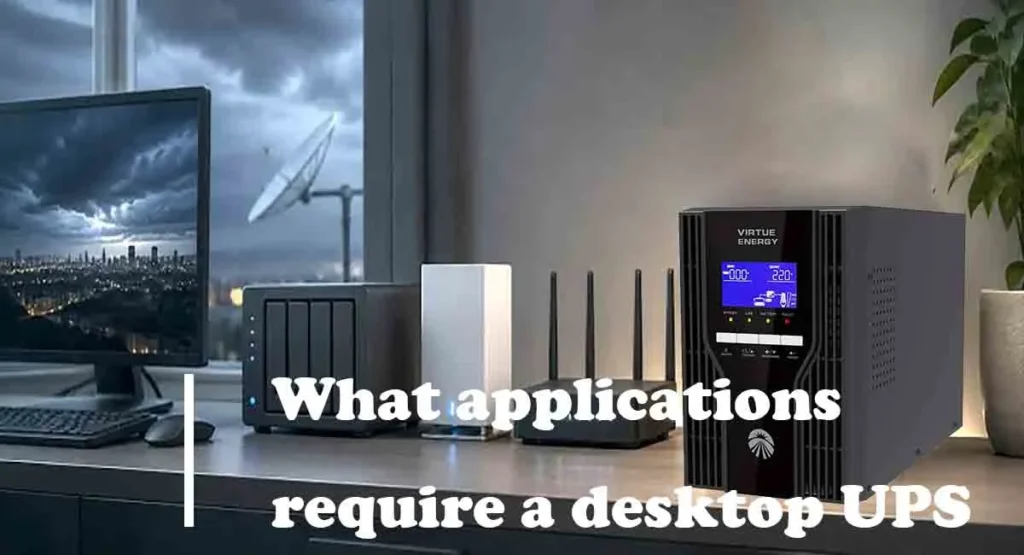
Nowadays, we can work remotely or study online anytime through computers or the internet. Desktop UPS can effectively help us prevent network and electronic devices from shutting down due to power issues in the mains supply, ensuring our video conferences can proceed smoothly, our online classes will not be interrupted, and our important data can be preserved.
What is desktop UPS?
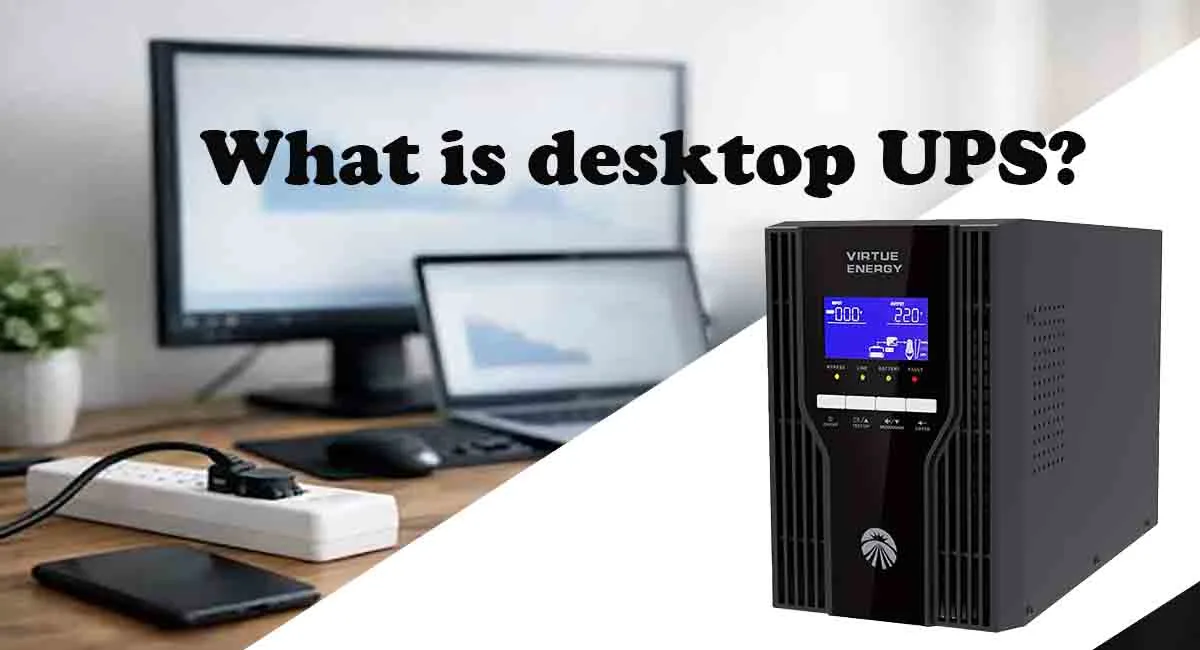
Desktop UPS is a compact uninterruptible power supply (UPS) designed for devices used in both home and office environments, such as computers, routers, and gaming consoles. When the mains power fails, it will switch to its built-in battery to power your devices within milliseconds, ensuring your computer stays running, your documents and data remain intact, and your Wi-Fi connection stays uninterrupted. Furthermore, during normal operation, the desktop UPS can filter out power issues in the mains supply, ensuring your devices’ performance and lifespan remain unaffected. If you would like to customize a desktop UPS for your specific application, please feel free to contact us.
Is desktop UPS the same as tower UPS?
Most desktop UPS systems on the market are tower-style, but desktop UPS is not the same as tower UPS. Desktop UPS is a classification based on application scenarios. Those used for desktop computers, home appliances, and small office environments are all referred to as desktop UPS. On the other hand, tower UPS is defined by its form factor. It is a UPS designed to be placed upright. Tower UPS is defined by its design. It is a UPS that can be placed upright. In contrast, its counterpart is the flat rack mounted UPS.
What is the core function of desktop UPS?
Ensuring business continuity
This is the most fundamental and critical function of desktop UPS. When we are gaming, working remotely, or studying online, the interruption of network or computer equipment will impact our entertainment experience, work efficiency, and learning outcomes. Connecting these devices to a desktop UPS can ensure your devices and network keep running during sudden power outages, guaranteeing your games, meetings, and classes remain uninterrupted.
Providing clean power
In reality, power issues such as fluctuations, surges, and frequency drift in the mains supply will damage electronic components, impair performance, and shorten the lifespan of equipment. This is one of the reasons why many users will install desktop UPS in their homes or offices. Desktop UPS not only provides backup power to keep equipment running during power outages, but also filters out impurities from the mains supply, delivering clean power to your equipment and protecting it from the gradual damage caused by poor power quality.
Ensuring data integrity
Impurities in the mains power supply can cause file corruption on sensitive electronic devices. Furthermore, sudden power outages will result in the loss of data such as games and files. The desktop UPS will automatically switch to battery power mode as soon as it detects an abnormality in the mains power supply, giving you ample time to save important data and shut down your devices properly.
3 typical scenarios that require desktop UPS
- Remote work and online meetings: Nowadays, remote work has become the norm for many people. If you unexpectedly lose your connection during an online meeting, you may miss critical discussions and decisions. And if the power goes out during an online interview or presentation, it might seriously affect your professional reputation. But desktop UPS can switch to battery power within milliseconds if the mains power fails. This means your computer won’t restart, and your internet connection won’t be interrupted. Your meetings and presentations won’t be affected by power outages.
- Gaming and entertainment: High-end gaming PC and display panels have relatively high power quality requirements. A brief power outage doesn’t just mean losing your game progress. It can even damage the device’s solid-state drive. If you’re live-streaming, a power outage can also affect your viewers’ experience and your personal reputation. And desktop UPS can provide enough time for you to save your game progress and exit the game properly. For brief outages lasting only 5-10 minutes, it can even allow you to continue gaming until mains power is restored.
- Data storage and NAS devices: Network-Attached Storage (NAS) is now widely used in many households to store photos, documents, videos, work files, and other content. However, NAS hard drives are extremely sensitive to sudden power outages. If power is lost during a read or write operation, the read/write head may scratch the platters, causing the entire hard drive to fail. Most NAS devices now support connecting to a UPS via USB to enable automatic shutdown. Desktop UPS can work in conjunction with the NAS’s automatic shutdown feature to automatically execute a safe shutdown procedure after a power outage, ensuring that the hard drives are shut down only after all read and write operations are complete. This not only protects the physical integrity of the hard drives but also ensures data integrity.
How to select desktop UPS?
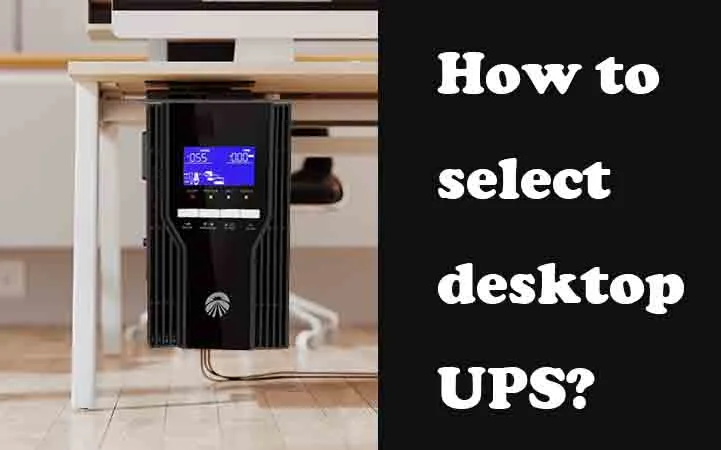
When selecting a desktop UPS, it’s essential to clearly identify which electronic devices you need to protect and what level of protection you require. You need to know what devices require protection because the desktop UPS’s power rating and the number of outlets must be selected based on the total power consumption of those devices. In an office environment, desktop UPS typically needs to power router, computer tower, and monitor. A 1kVA 2kVA 3kVA tower UPS can effectively meet the needs of such applications. If your computer tower has high power quality requirements, we recommend choosing an online lithium UPS. Online UPS systems can deliver the purest pure sine wave and switch power modes within zero milliseconds. This means your connected devices will not detect any power fluctuations. If you require additional backup time or wish to increase the number of outlets, please contact us for a customized desktop UPS solution.
Conclusion
Desktop UPS can provide reliable power protection for our computer equipment and home network devices. Not only does it supply clean power to protect device components, but it also prevents equipment from shutting down due to power outages, ensuring that our remote meetings stay connected and our online classes continue without interruption. If you are looking for a desktop UPS solution for your home or office, please do not hesitate to contact us.